

Providers
Supported coding agents and CLI providers
Krabby supports three coding agent CLIs, each with full model selection, permission modes, and effort levels.
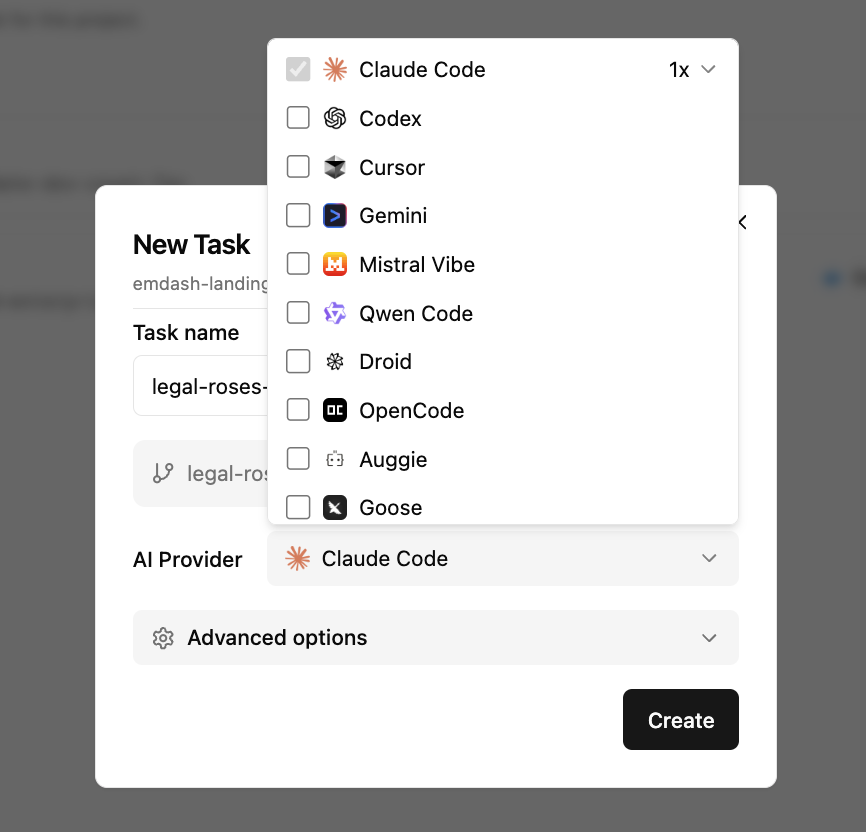
Supported Providers
| Provider | CLI | Install Command |
|---|---|---|
| Claude Code | claude | curl -fsSL https://claude.ai/install.sh | bash |
| Codex | codex | npm install -g @openai/codex |
| Gemini CLI | gemini | npm install -g @google/gemini-cli |
Feature Support
| Feature | Claude Code | Codex | Gemini CLI |
|---|---|---|---|
| Model selection | ✓ | ✓ | ✓ |
| Permission modes | ✓ | ✓ | ✓ |
| Effort / reasoning | ✓ | ✓ | |
| Plan mode | ✓ | ✓ | ✓ |
| Resume session | ✓ | ✓ | ✓ |
| MCP support | ✓ | ✓ | ✓ |
| Image input | ✓ | ✓ | ✓ |
| Fast mode | ✓ | ||
| Hooks | ✓ | ||
| Skills | ✓ | ✓ | ✓ |
| Plugins | ✓ | ✓ | |
| Subagents | ✓ | ✓ | |
| Custom instructions | ✓ | ✓ | ✓ |
| Sandbox | ✓ | ✓ |
Adding a Provider
Providers are detected automatically when you install them. Open Krabby, go to Settings, and click "Refresh" to scan for newly installed CLIs.
If a provider isn't detected, make sure its CLI is in your PATH.
Request a Provider
Want support for another coding agent? Open an issue.
Last updated on April 2, 2026